Give us a shout: (437)888-0111
Hi, I’m Ian Langdon, the Managing Director at Agile Computer. My job is to make sure your technology actually works the way it’s supposed to. But more importantly, my passion is making sure you don't have to spend your weekends worrying about "certificate expirations" or "UEFI firmware revisions" when you should be enjoying a coffee on a Toronto patio.
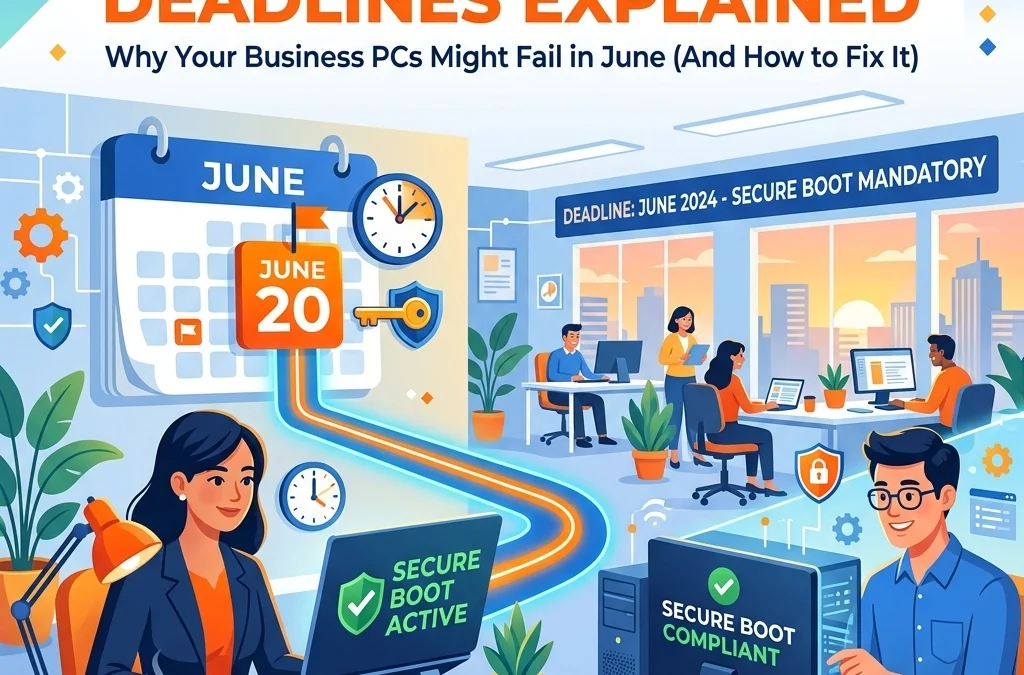
You’ve probably heard some rumblings lately about a "June deadline" for Windows PCs. If you haven't, don't worry, that's why I’m here. We’re currently looking at a significant shift in how your computers stay secure at their most basic level. It’s called the Secure Boot certificate expiration, and if your business relies on a fleet of laptops or desktops, this is something that needs to be on your radar before the summer hits.
Let’s talk about what’s actually happening, why it matters, and how we can make sure your business stays up and running without a hitch.
What on Earth is Secure Boot? (And Why Should You Care?)
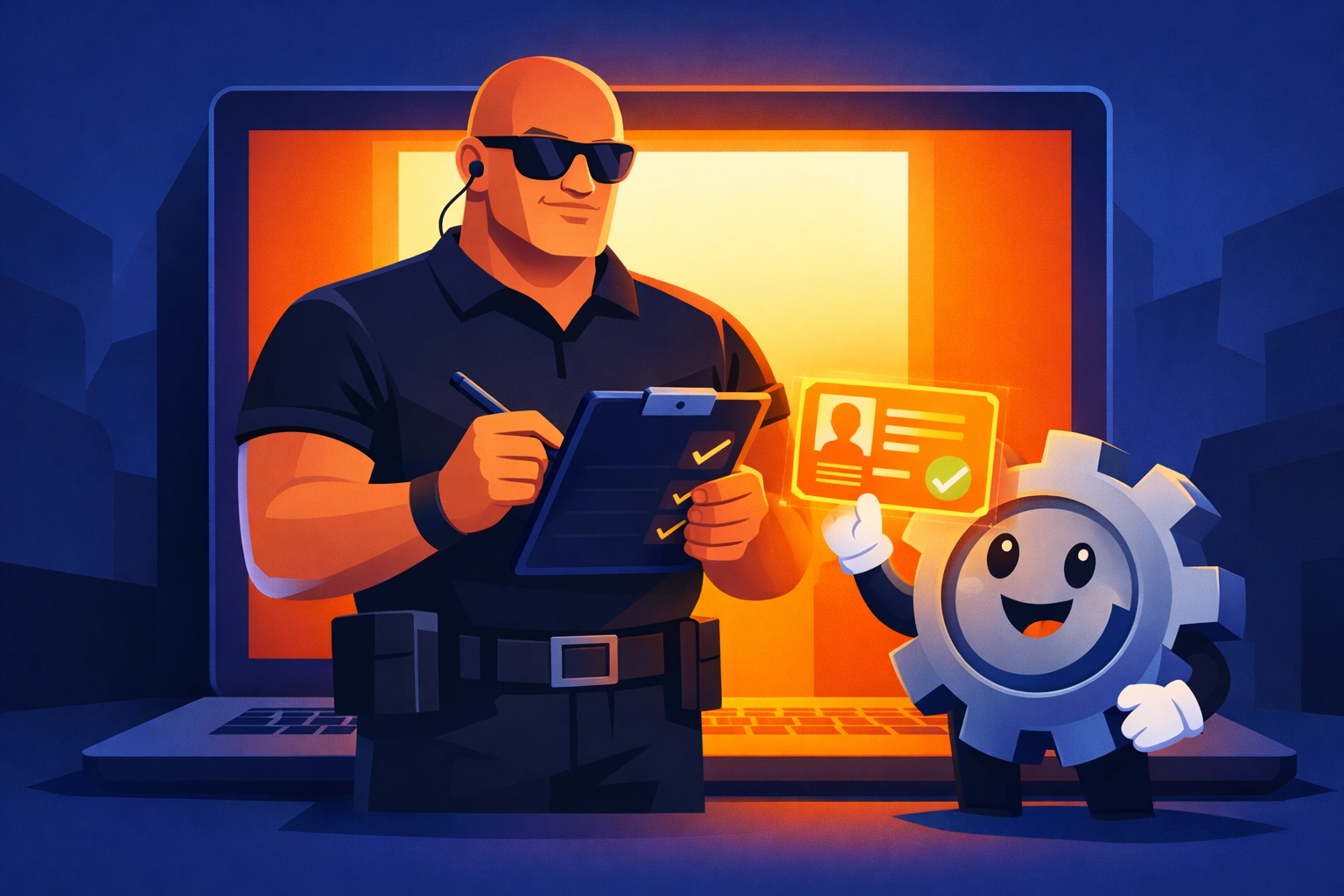
Before we get into the "doomsday" deadlines, let’s break down the tech in plain English. Imagine your computer is a high-end club in downtown Toronto. Before anyone gets in, they have to go through the bouncer at the front door.
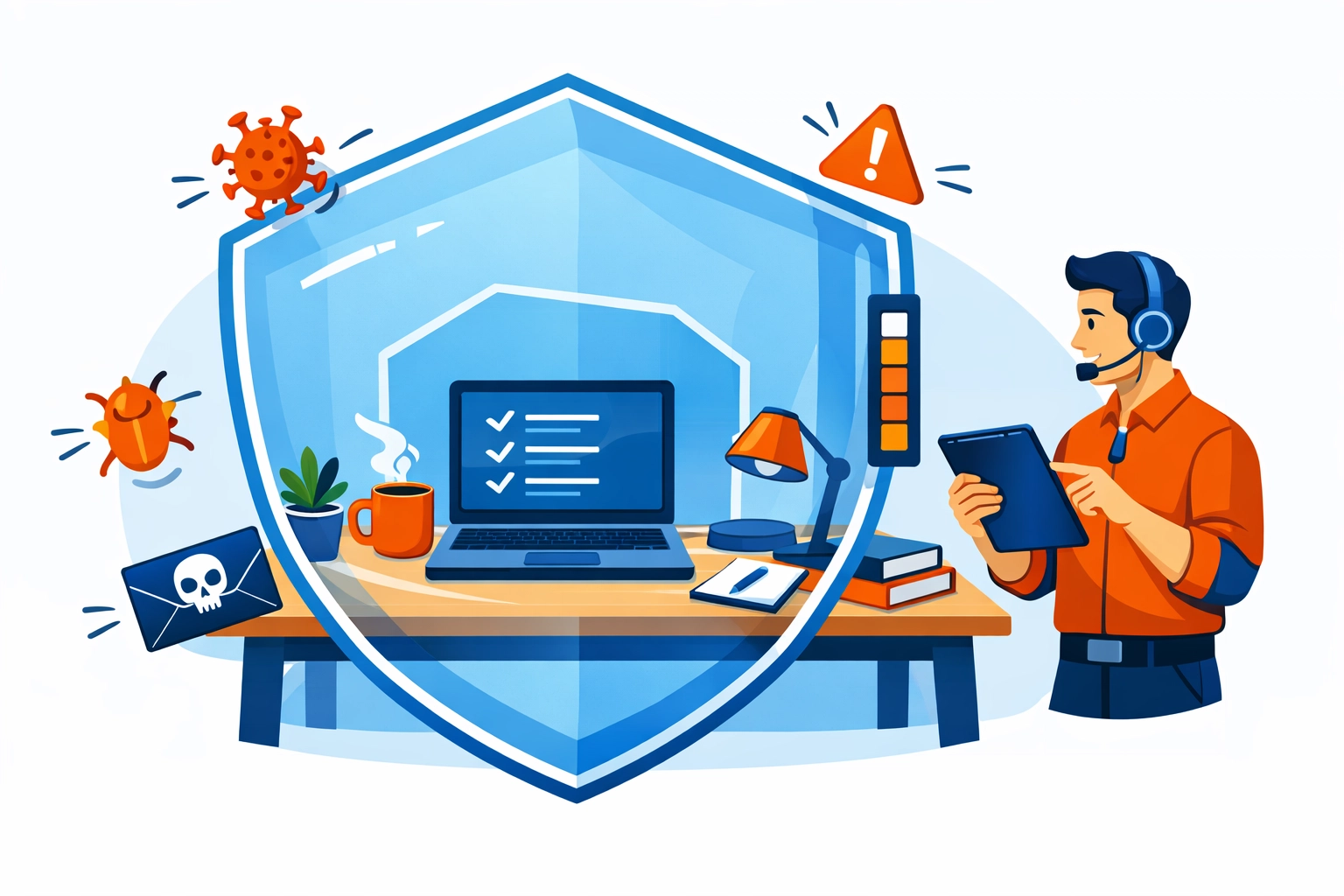
Secure Boot is that bouncer.
When you press the power button, Secure Boot checks the "ID" of every piece of software that tries to start up, the firmware, the operating system loaders, and the drivers. It only lets them in if they have a valid signature from a trusted authority (usually Microsoft or the hardware manufacturer).
This prevents "bootkits", nasty types of malware that hide so deep in your system that your antivirus can’t even see them because they start up before the antivirus does.
The problem? The "ID cards" (certificates) that these bouncers have been using for the last 15 years are about to expire.
The 15-Year Itch: Why June 2026 is the Big Date
Back in 2011, Microsoft issued a set of digital certificates that have been the gold standard for Secure Boot ever since. Like a passport or a driver’s license, these certificates have an expiry date. For the 2011 batch, that date is June 2026.
There are actually two waves to this:
- June 2026: The Microsoft Corporation KEK CA 2011 and the Microsoft UEFI CA 2011 expire.
- October 2026: The Microsoft Windows Production PCA 2011 expires.
What does that mean for your office? Well, it’s not that every PC in Toronto will suddenly turn into a brick on June 1st. But it does mean that if your systems aren't updated with the new "2023 certificates," they’ll lose their ability to verify new security updates. They’ll be stuck in a "degraded security state," unable to trust new software or protect themselves against the latest threats.
Is Your Business at Risk?
If you’re running a small business, you might think, "We’re too small for hackers to care about our boot sequence." We actually wrote about this recently in our post Is Your Business Too Small to be Hacked?. The short answer is: No, you aren't. Automated attacks don't care how many employees you have; they just look for open doors. An expired security certificate is a very wide-open door.
Who is most affected?
- Windows 10 Users: This is the big one. Since mainstream support for Windows 10 has ended, you’re in a bit of a tight spot. Unless you are paying for Extended Security Updates (ESU), you might not get the automated fixes needed to swap these certificates out. We've talked about the Windows 10 deadline before, and this Secure Boot issue is just another reason to start planning your next move.
- Older Hardware: If your PCs were built before 2024, they almost certainly rely on those 2011 certificates.
- Virtual Machines: Even your cloud-based or local VMs need these updates if they use Secure Boot.
Let’s Be Honest: The Fix Isn't Just a "Click Here" Update
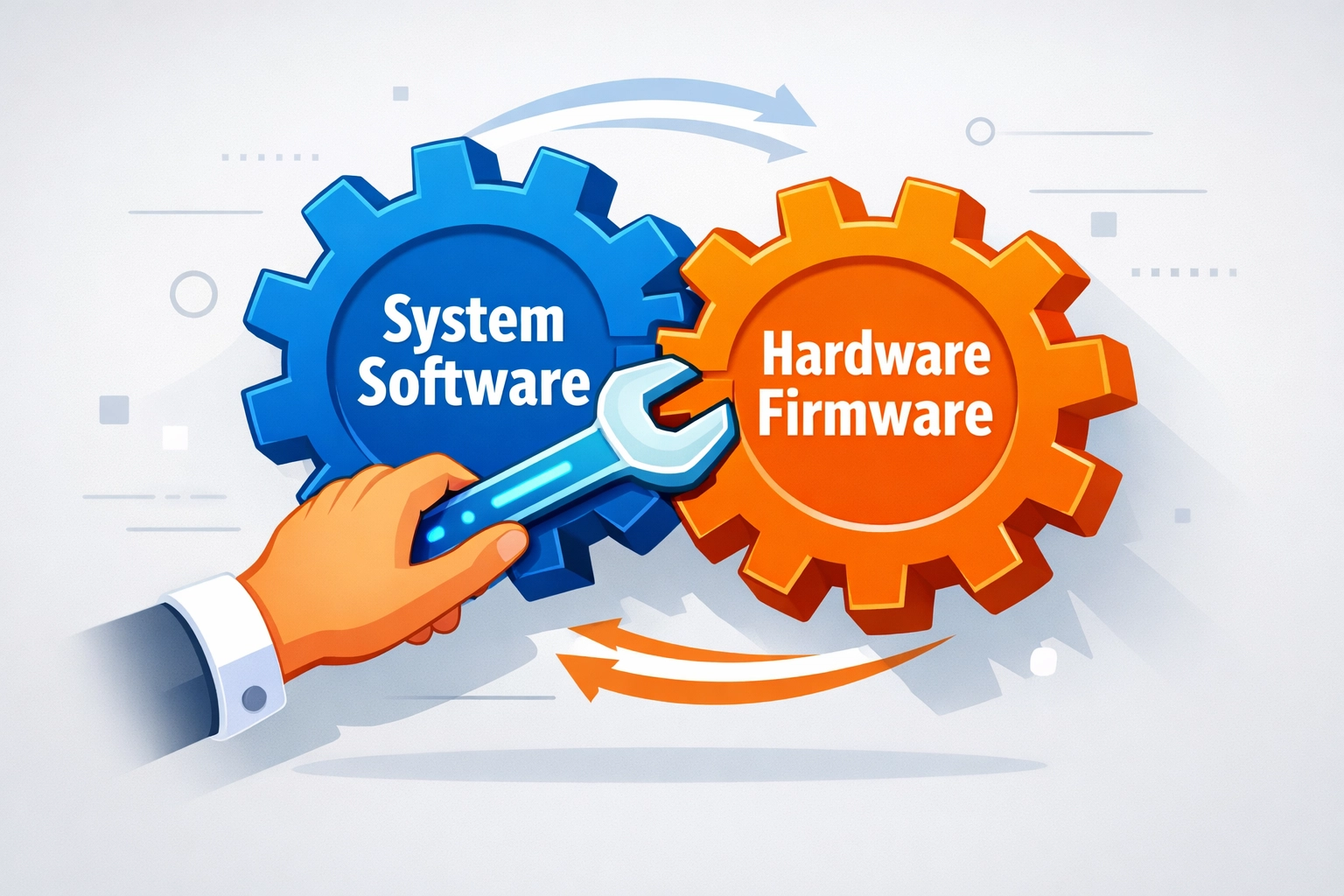
Usually, when Microsoft has an update, you just see that little orange dot, click "Restart," and go get a sandwich. This one is a bit more complicated. It requires a "two-step dance":
- The Windows Update: Microsoft is pushing out cumulative updates that contain the new 2023 certificates.
- The OEM Firmware (BIOS) Update: This is where it gets tricky. To truly secure the system, the hardware itself (the BIOS/UEFI) needs to be updated by the manufacturer (Dell, HP, Lenovo, etc.) to recognize these new certificates.
If you have 20 different laptops from three different years, managing this manually is a nightmare. It’s why so many companies look for managed IT services in Toronto to handle the heavy lifting.
The "What Happens If I Do Nothing?" Scenario
I like to be transparent. If you do nothing, your computer will likely still turn on on June 15th. You’ll still be able to check your email and send invoices.
**However, you will face: **
- Security Gaps: You won't be able to apply future Secure Boot security patches. If a new vulnerability like "BlackLotus" comes out, your bouncer won't have the tools to stop it.
- Boot Failures Down the Road: Eventually, as Microsoft starts requiring the new certificates for basic Windows functions, an un-updated PC might simply refuse to load the operating system because it thinks the Windows kernel is "unauthorized."
- Compliance Headaches: If you work in law, finance, or healthcare, having expired security certificates on your hardware is a great way to fail an audit.
How to Handle the Transition (Without Losing Your Mind)
If you're managing your own IT, here is the "DIY" checklist:
- Inventory your gear: Know which machines are Windows 10 and which are Windows 11.
- Check your BIOS versions: Visit the support sites for your hardware manufacturers and see if they’ve released a "2023 Certificate" or "Secure Boot" update for your specific models.
- Apply Windows Updates: Make sure your team isn't hitting "Remind me in 4 hours" for weeks on end. Those updates are carrying the payload for this fix.
- Test on one machine first: Flashing a BIOS is, let's be honest, like open-heart surgery for a computer. If it goes wrong, the computer won't start. Don't do the whole office at once.
Is This Right For You?
Let's look at the pros and cons of handling this yourself versus getting professional small business IT support.
Handling it yourself:
- Pros: It’s "free" (if you don't count the dozens of hours of your time).
- Cons: High risk of "bricking" a machine during a BIOS update; hard to track which PCs are actually safe; takes you away from running your actual business.
Working with a partner like Agile Computer:
- Pros: We use automated tools to deploy these updates safely; we monitor the "health" of the update across your whole fleet; we handle the scary BIOS stuff for you.
- Cons: There’s a service cost involved (but it’s usually less than the cost of one dead laptop and a day of lost productivity).
How Agile Computer Makes This a Non-Event
At Agile Computer, we believe that cybersecurity services for small business shouldn't be a source of stress. We have two core ways of helping you through these kinds of "tech cliffs":
- CORE Services: This is our foundational support. We monitor your systems 24/7. When a critical firmware update like the Secure Boot fix is released, we know about it instantly. We vet the update to make sure it won't crash your specific model of PC, and then we push it out during off-hours so your team stays productive.
- CONNECT Services: This is for the business that wants a true technology partner. We don't just fix things; we plan. We’re already looking at our clients' inventories to see which older Windows 10 machines need to be replaced or upgraded before the June deadline hits.
Let’s Get You Ready for June
The June 2026 deadline is approaching fast, but it doesn't have to be a crisis. Whether you need a one-time audit of your systems or you're looking for ongoing it support in Toronto, we’re here to help.
Don’t spend your spring worrying about certificate chains and bootkits. Let us handle the "boring" security stuff so you can focus on growing your business in the GTA.
If you’re feeling a bit overwhelmed by the technical jargon or just want someone to double-check that your fleet is ready, give us a call. We can talk through your current setup and see if our CORE or CONNECT services are a good fit for you.
You can reach me directly at ian@agile.computer or give the office a shout at (437)888-0111
Let's make sure your "bouncer" has the right ID before the party starts in June.
Cheers,
Ian Langdon
Managing Director, Agile Computer
ian@agile.computer
(437)888-0111 x20